What’s new
Table shelves
October 2026
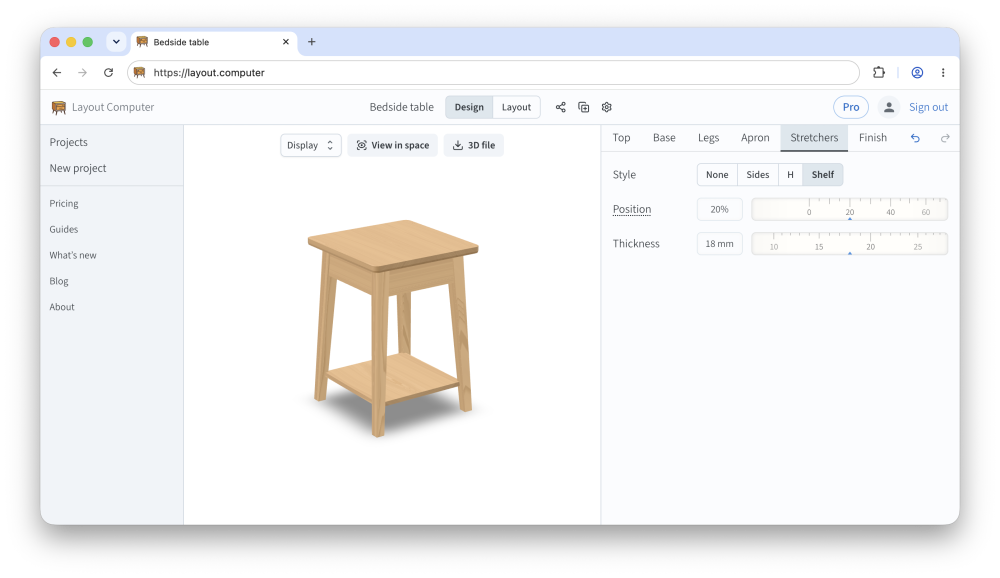
Tables with aprons can now have shelves (as suggested by Josh).
I figured I might as well add a few stretcher combinations too. Both things are in the “Stretchers” tab.
Staked tables
September 2026
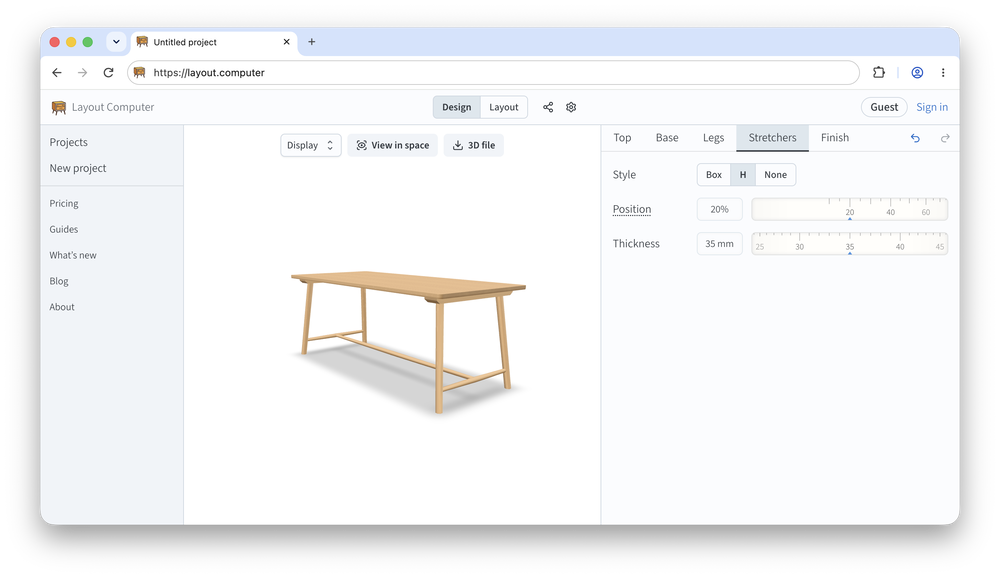
I’ve added a new base type for both rectangular and round tops: staked legs (thanks, Peter, for the suggestion).
You might be thinking: how is this different from what we could already do with stools or benches? Well, tables can be bigger with thicker legs and stretchers. And you get battens.
Clearer diagrams
August 2026
I’ve reworked many diagrams to improve legibility, add useful elements and reduce clutter.
Curious about this effort and the philosophy behind it? Check out the latest blog post.
Other improvements:
mitered dovetails
narrower chair arms (thanks, Georg, for the suggestion)
taller chairs (thanks, Dan, for not giving up)
Custom finishes
August 2026
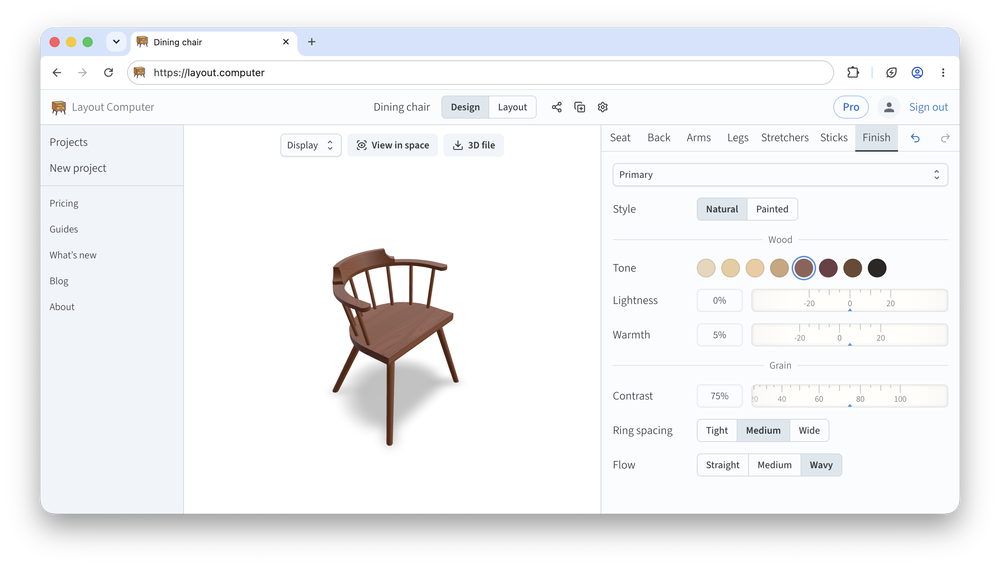
You can finally go beyond the default oak/beech look!
Additionally, the Pro subscription unlocks a number of paint colors, grain texture controls and the ability to finish different parts separately.
Better-looking models
July 2026
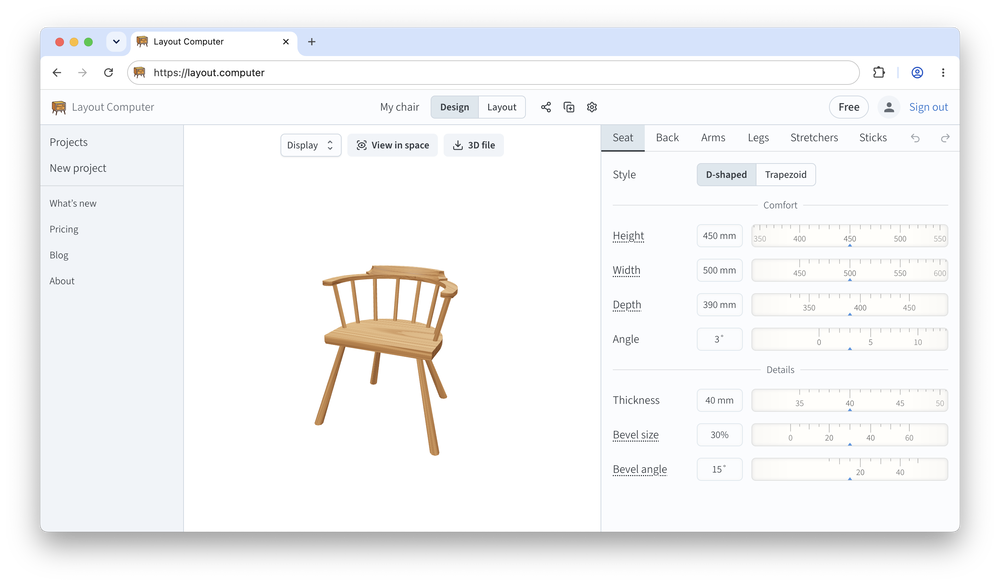
I’ve revamped how your furniture looks in the app, with and without grain. The latest blog post is about how this all works behind the scenes.
Other improvements:
chairs can now have three legs
support for very low arms and backs (thanks, Amaryah, for the suggestion)
Bespoke dial controls
June 2026
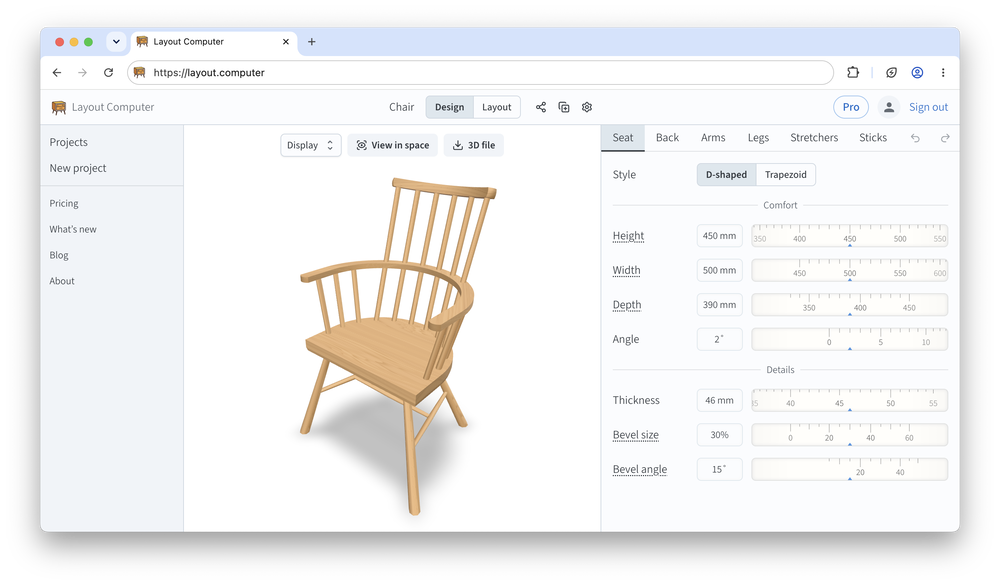
All sliders are gone, replaced with a new dial control. This makes it easier to support wide ranges of values. Additionally, you can now input numbers directly. In case you are curious, I talk about the design process in the new blog section.
Also, most controls now have a tooltip explaining what they do. Thanks, Richard, for the nudge!
Introducing Layout Computer Pro
May 2026
All the existing features remain free. The Pro subscription gives you:
unlimited projects
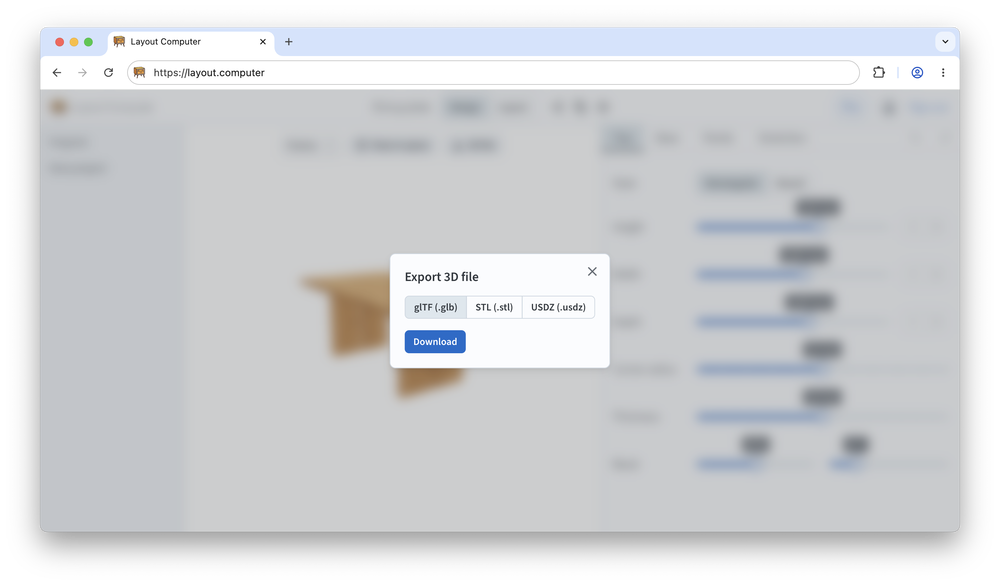
3D model export
viewing models in your space with AR (augmented reality)
The export feature is handy for adding finer detail to your project in other tools, for prototyping on a 3D printer, or just for archival.
Also, you can now save multiple copies of a project to compare different versions. Look for the button.
New option: table design
March 2026
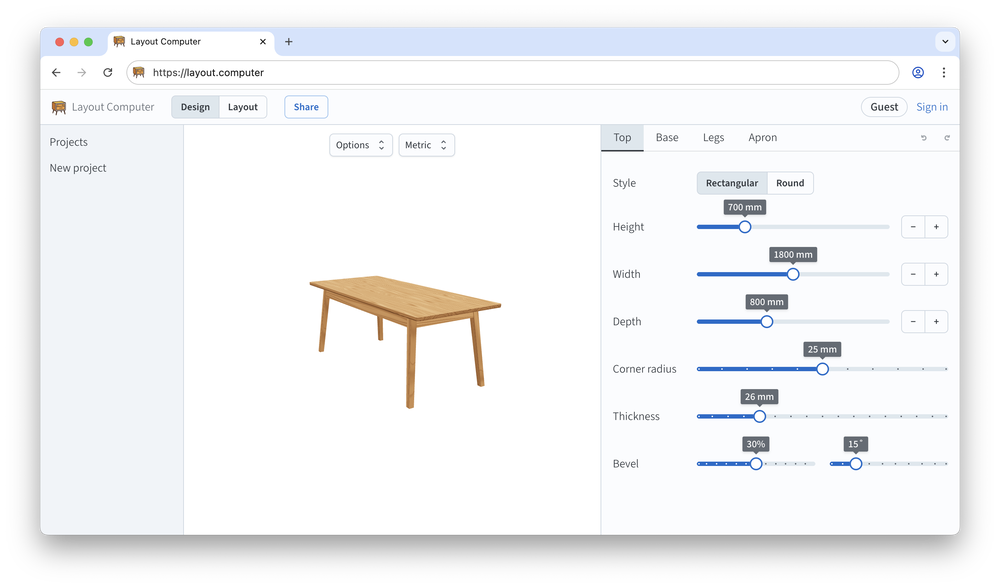
You can now design tables. Choose between rectangular and round tops, with three different base styles for each.
I also added a little entasis for chair stretchers that connect to each other to make the joints look more realistic.
Minor improvements
January–February 2026
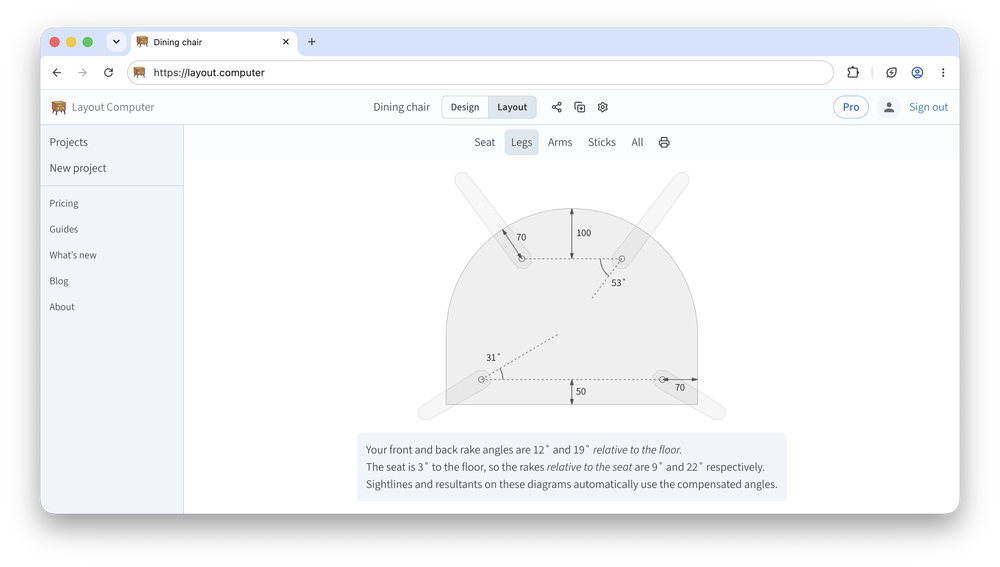
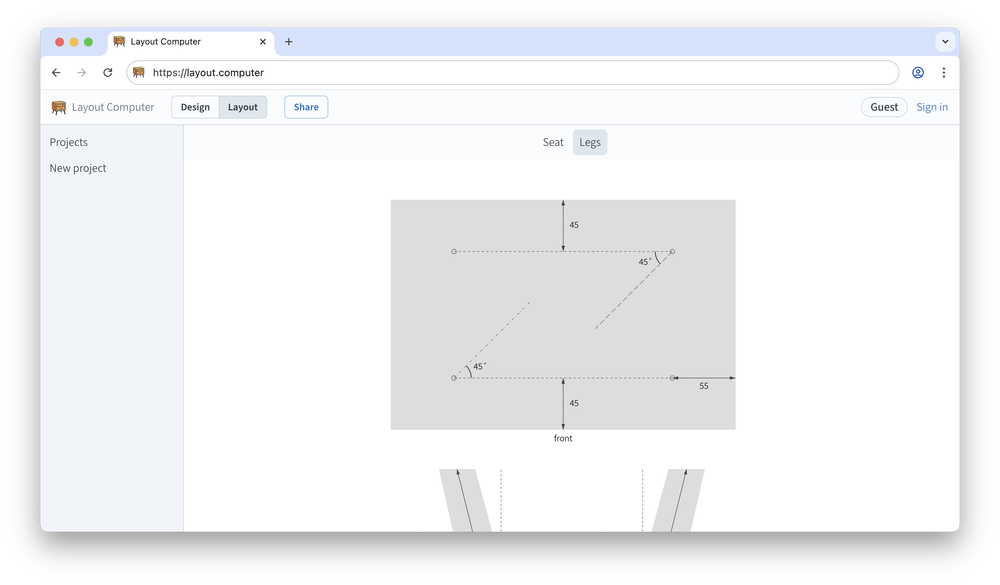
Leg diagrams for symmetric seats now label the front edge to avoid confusion. Thanks, Tom, for the suggestion.
The proportion of long sticks is now configurable for stick chairs.
More clarity on how sightlines and resultants compensate for the seat angle. Thanks, Adam, for bringing this up.
Narrower seats now supported for stick chairs. Thanks, Martin, for the suggestion.
Introducing accounts and project storage
December 2025
It’s been a while!
This is a big release with many changes under the hood, but here are the highlights:
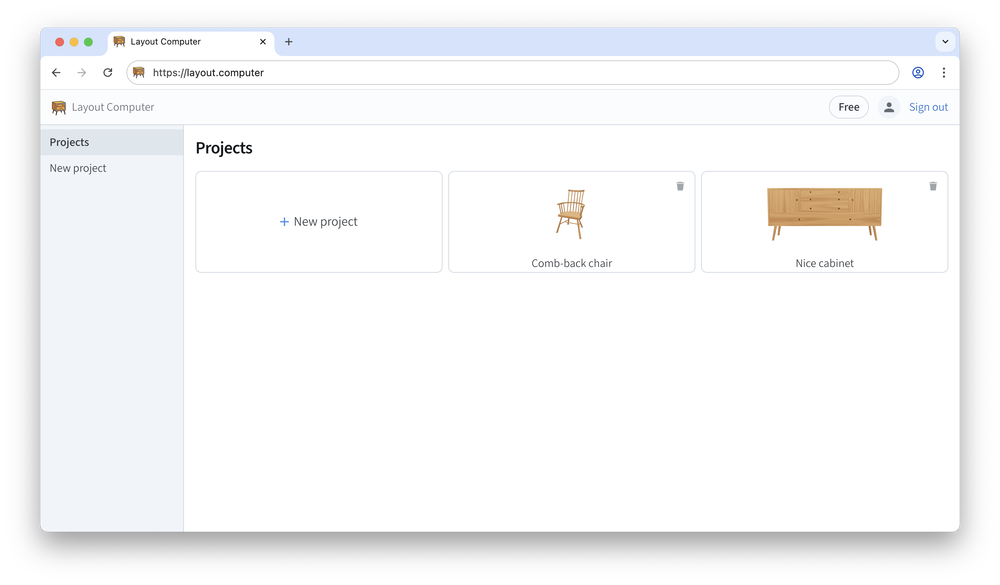
You can now sign in to save projects in the cloud and access them across devices
Of course, you can still create and work on a project without signing in
All projects are now on a dedicated page
Also, everything looks nicer with wood grain.
Minor improvements
July 2025
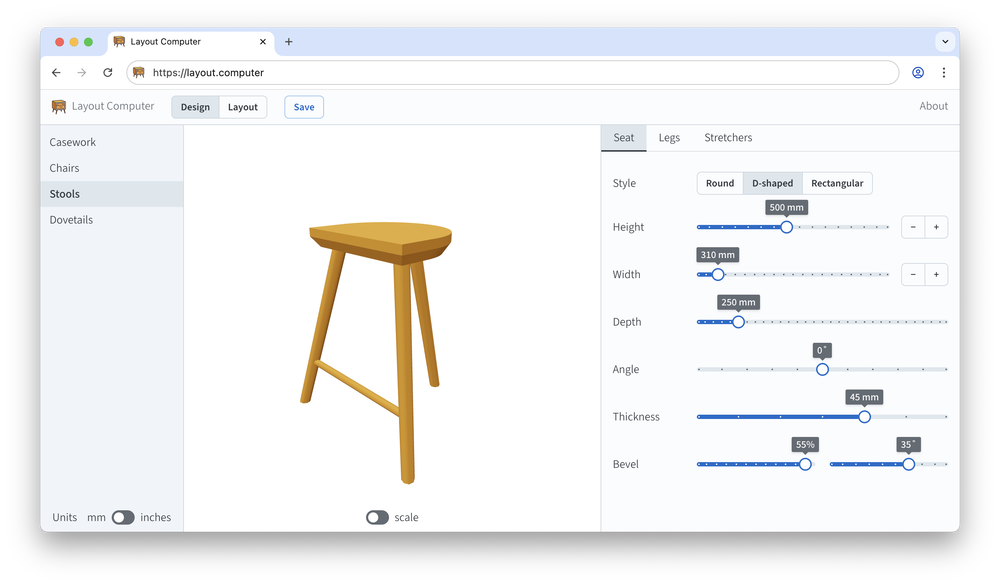
Added seat bevels for stick chairs and stools
Added square legs for casework. Thanks, Brian, for the suggestion.
New option: stool design
May 2025
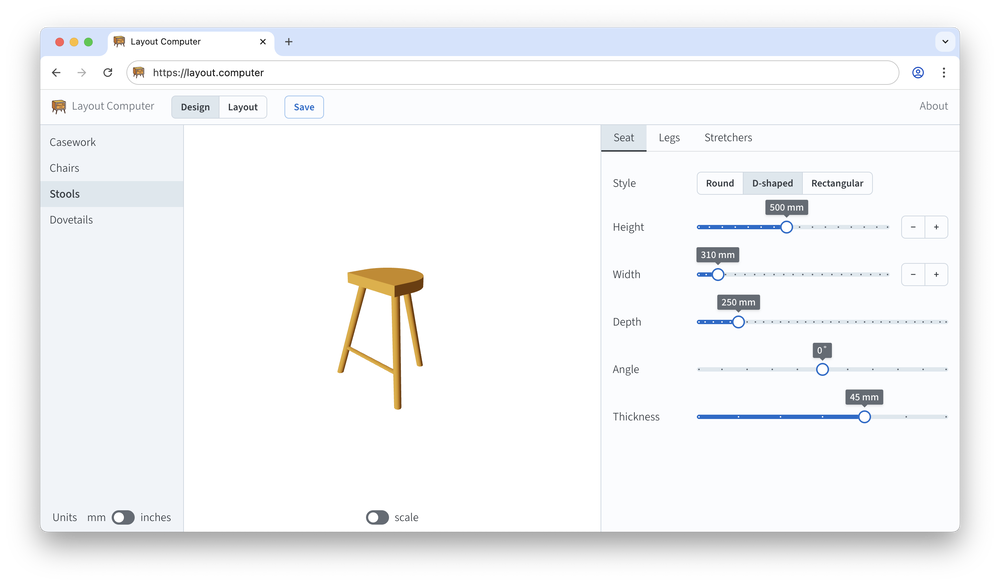
By popular demand, Layout Computer now supports designing stools.
Also both stools and chairs have a new stretcher diagram.
Desktop mode, doors and drawers
April 2025
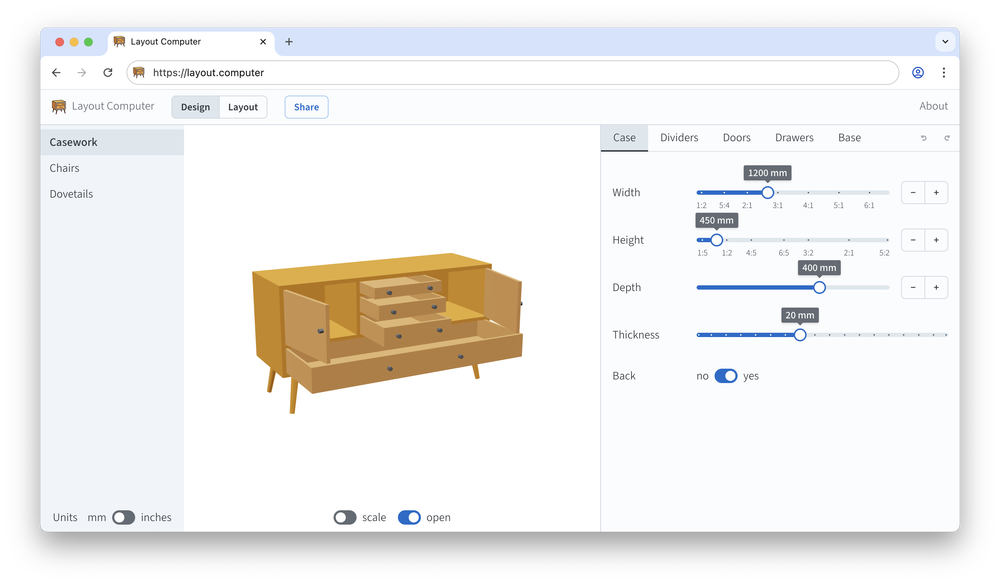
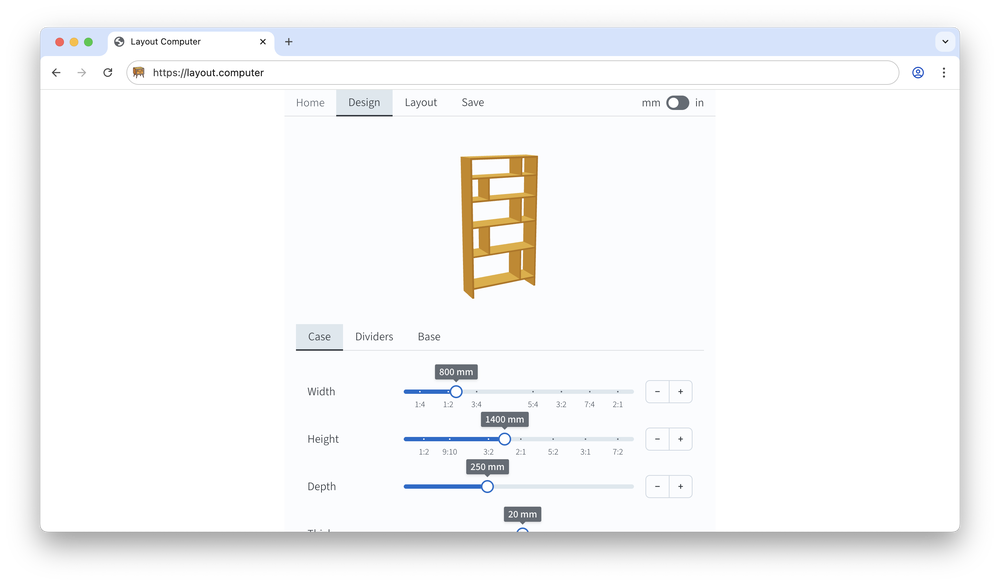
Layout computer finally uses the entire screen on desktop or tablets.
In other news, when designing casework, you can now add doors and drawers.
More precise dovetails
February 2025
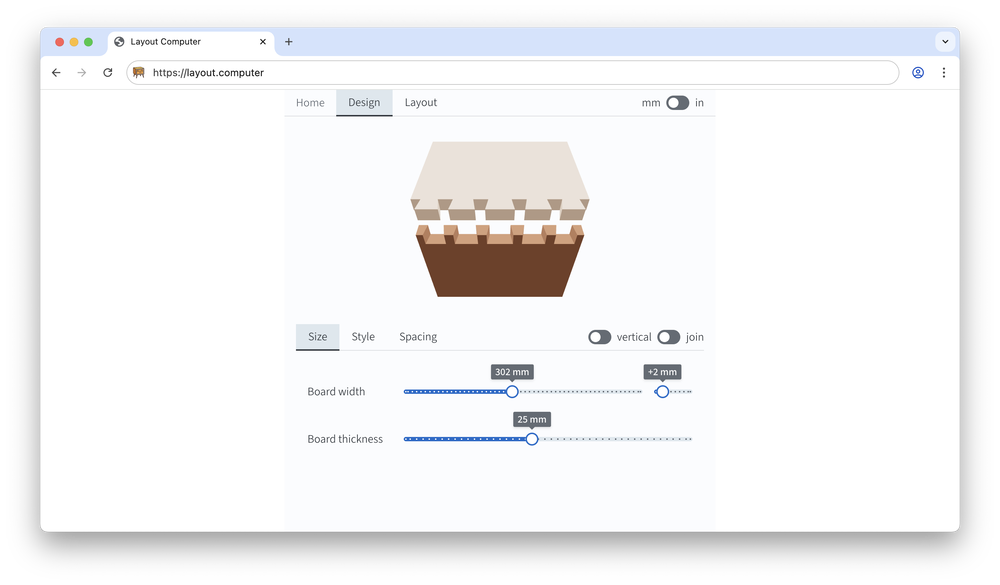
You can now set board width down to 1 mm or 1/16 inch. Thanks, Joseph, for the suggestion.
New option: settle design
December 2024
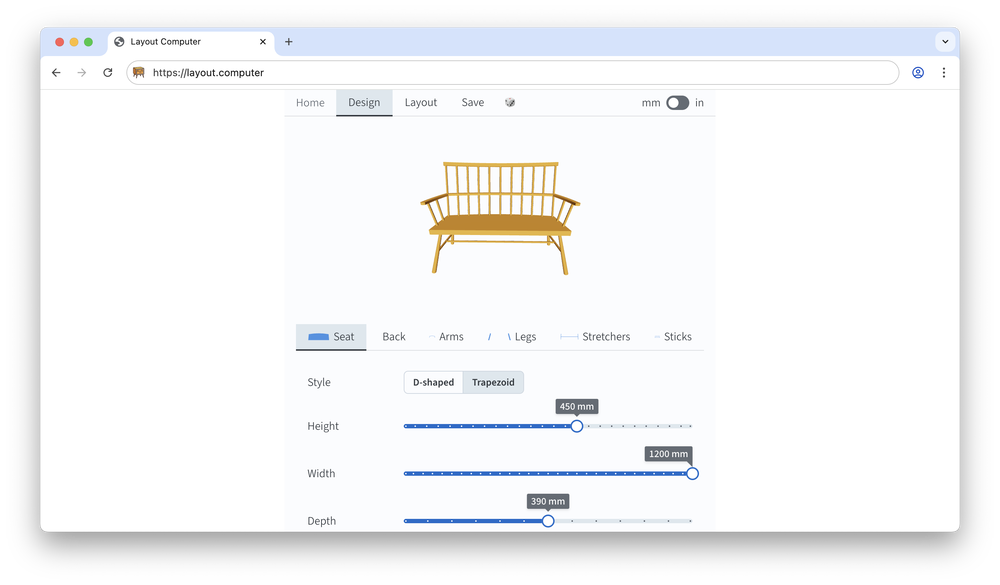
Settles are basically very wide chairs (or benches with a back). Thanks, Todd, for the suggestion.
Make weird chairs
November 2024
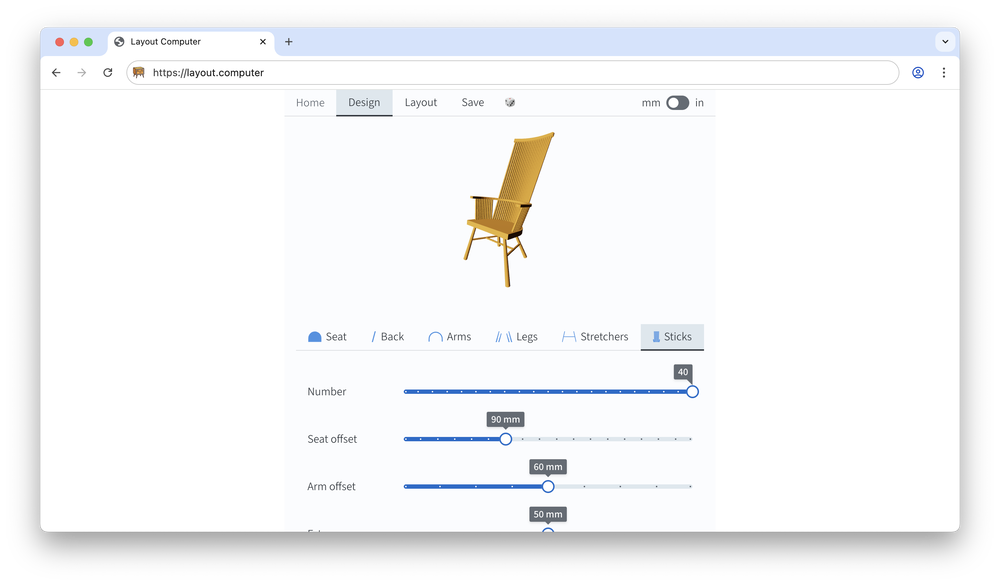
More sticks and higher backs for stick chairs, because why not! Thanks, Mikko, for the suggestion.
New options: Irish stick chairs and backstools
October 2024
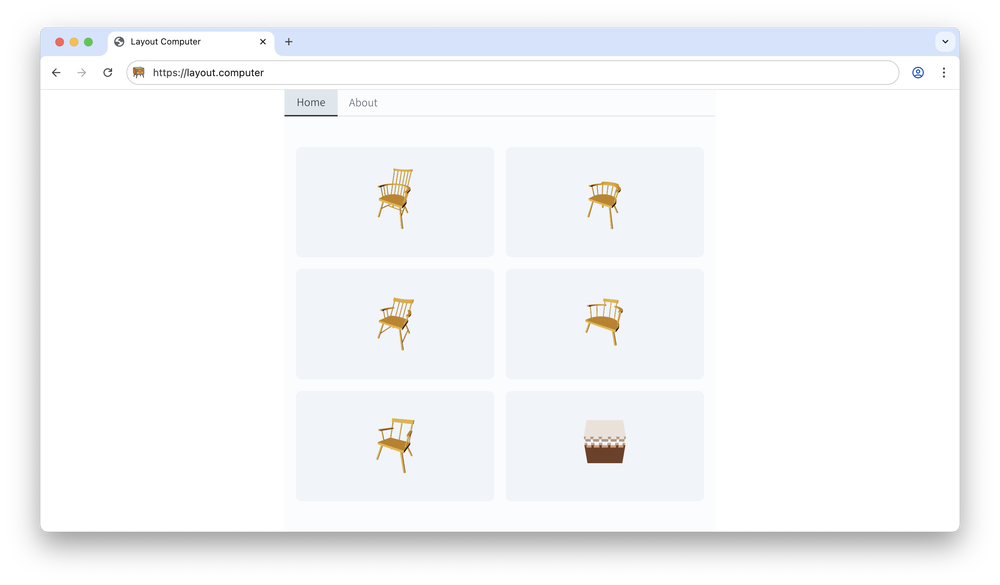
In addition to Welsh chairs (D-shaped seats), you can now design Irish ones (trapezoid seat, split arms). Backstools (no arms) are also supported.
New option: comb-back chairs
August 2024
You can now design comb-back chairs. According to Chris Schwarz, the higher the back, the better it sells.
Also, Layout Computer was featured on the Lost Art Press blog!
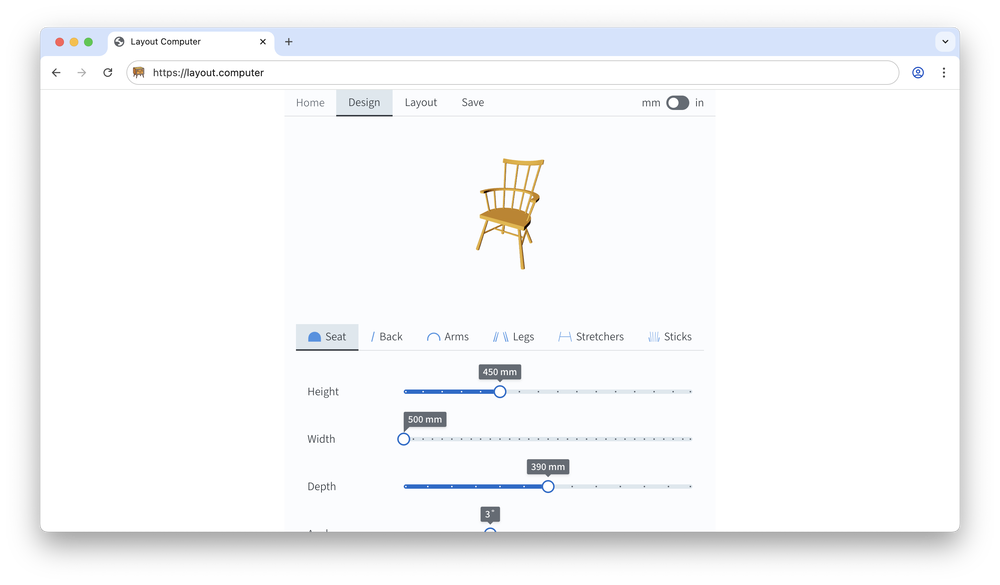
Hello world
July 2024
Initial release of Layout Computer with dovetails and lowback stick chairs. It looked so simple.